Connecting a local Ollama server to AI agents: what the harness should check, and what it should never send
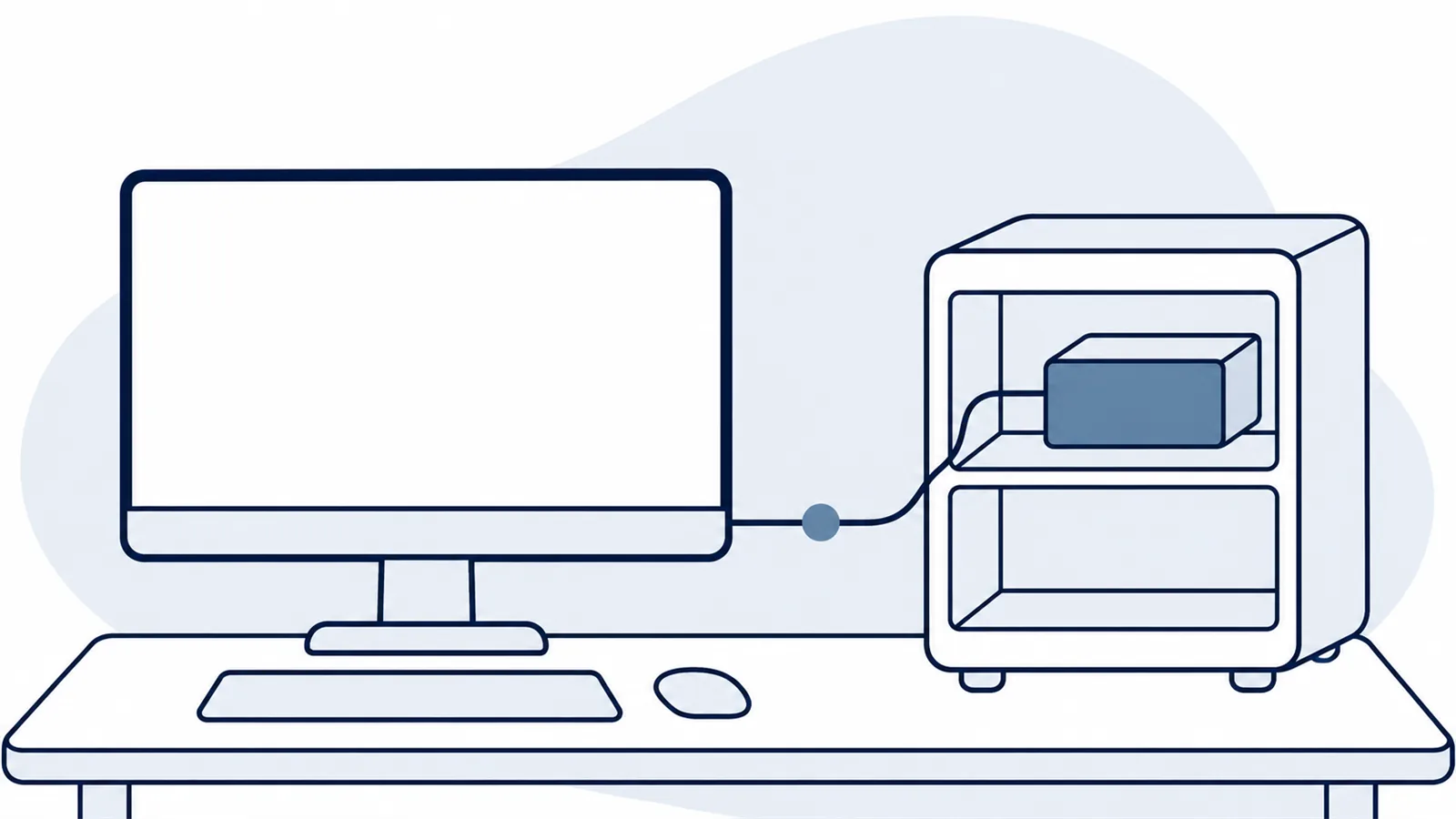
How Cerevisor spots a local Ollama server with one request that never leaves the computer, why a running server with no models is not ready, and what this week's Ollama update changes for agent tools.
By the Cerevisor team
When Cerevisor looks for a local Ollama server, it asks one question of this computer and nothing else: which models are installed here? A server that is running but has no models counts as not ready, and that single rule prevents the most common "connected but nothing works" setup. This week's Ollama update also changed how the route most agent tools use picks its default settings, so it is worth re-checking a few known prompts after you update.
There is a local-model setup that looks finished and is not: Ollama is installed, the server is running, the agent tool says it is connected, and the first run fails anyway. The server answered, but nobody had downloaded a model onto it yet. We designed Cerevisor’s Ollama check around that exact case.
Ollama is a free program that downloads open-weight models and serves them on the same computer. An agent harness is the app that runs your AI agents, hands them work and connects them to models. The handshake between those two is small, and it is where most local setups quietly go wrong. Here is how ours works, line by line, and why we built it this way.
One loopback request to find a local Ollama server
A loopback request is a request a computer sends to itself, so it never leaves the machine. When Cerevisor checks for Ollama, it sends exactly one of those: a request to Ollama’s usual local address (port 11434 on this machine) asking for the list of installed models. It waits at most 1.5 seconds. If nothing answers in that time, or the answer is an error, Cerevisor treats Ollama as not installed and moves on.
That is the whole check. No model call, no test prompt, no connection test. The comment above that code in our source says it plainly: Cerevisor itself sends nothing off this computer during this step.
Why so strict? Because the first launch of a local-first app is exactly when trust is made or lost. If the first thing a privacy-minded team sees in their firewall log is an app reaching out somewhere, the evaluation is over. Asking only the local machine, and only for a list, keeps the check boring, which is the goal.
Why a running server with no models is not “ready”
Here is the named failure. Someone installs Ollama, starts it, opens Cerevisor, and expects agents to work. The server answers. The list of installed models is empty, because nobody downloaded one yet.
If a harness treats “the server answered” as “connected,” the first agent run fails on a missing model, and the person ends up blaming the harness, the model, or local AI in general.
Our rule is simpler. Ollama only counts as ready when the server answers AND lists at least one model. If someone presses Connect on Ollama while the list is empty, Cerevisor declines and says Ollama is not ready, instead of saving a connection that cannot run anything.
For a local model server, "it answered" and "it can do work" are two different facts. A harness should check the second one before it saves anything.
The fix on the person’s side is one download. Pull any model with Ollama, then press Connect again. If the server is not running at all, the setup screen shows the command to start it (ollama serve) and a link to ollama.com for installing it.
What gets saved when Cerevisor connects a local Ollama server
When the check passes, Cerevisor saves one provider entry named “Ollama (local)”. A provider entry is a saved connection to a source of models. It points at Ollama’s OpenAI-compatible endpoint on this computer. An OpenAI-compatible endpoint is a doorway that speaks the same request format as OpenAI’s API, which is why so many agent tools can talk to Ollama without special code.
Three details matter for anyone evaluating this:
-
The first model on the list becomes the default
Cerevisor picks the first model the Ollama server lists as the entry's default. If several models are installed, that may not be the right one for every agent, so check it after connecting and change it if needed.
-
The silent connect only happens on a fresh install
On first launch, Cerevisor connects ready local tools without asking only when no provider has ever been saved on this computer. Once one has, nothing connects without a button press.
-
An existing Ollama entry is never duplicated
If a saved entry already points at the same local address, Cerevisor treats Ollama as already connected and skips it, so a repeated check does not pile up copies.
That first point is the one teams trip over in practice. Ollama will list every model that has been pulled, including ones not built for chat. If an agent gives strange answers right after setup, look at which model it is actually using before judging the model. The guide on connecting OpenAI-compatible and local providers walks through checking and changing it, and per-agent overrides let one agent use a different model from the rest.
This week’s Ollama update and the OpenAI-compatible endpoint
Ollama shipped v0.40.14 on November 3, and one line in it matters for anyone running agents through that OpenAI-compatible doorway. Sampling settings are the knobs that decide how adventurous a model’s word choices are, with temperature being the best known. Per the release notes, when a request leaves those settings blank, the OpenAI-compatible route now uses the model’s own packaged defaults instead of a flat 1.0, matching Ollama’s native chat route.
For most people this is a fix: models now behave the way their makers tuned them. It also means the same agent, same prompt and same model can answer a little differently after the update, with nothing changed in the harness. We have not re-run our own prompts against it yet, so we are not putting a number on the difference. The honest advice is to keep three or four well-known prompts and run them once after any Ollama update.
The week before, Ollama added Liquid AI’s LFM3 family, aimed squarely at small local agents:
"a 1.7B text model with a 256K-token context window"
A context window is how much text a model can hold in view at once. Small models with long windows are exactly the kind teams pull “just to try,” which brings us back to the default-model point above. Pull it, and it may become the first model on the list.
A local-first harness earns trust on its first launch by asking only this computer, only for a list, and saving nothing that cannot run.
Limits of this approach
The check only looks at Ollama’s usual local address. If Ollama runs on another port or another machine, the automatic check will not find it, and it gets added by hand with its address. The check also cannot tell whether a model is good at a given task; it only knows the model exists. And nothing here measures speed. Whether a given model is fast enough on a given machine is still something to try on your own machine.
Connect a local model in five minutes
Start Ollama, pull one model you actually want your agents to use, and then download Cerevisor or open the Provider Hub if it is already installed. Press Connect on Ollama, confirm which model became the default, and run one small workflow before trusting it with real work. If Cerevisor says Ollama is not ready, the list of models is empty, and one download fixes it.
Sources
- Ollama v0.40.14 release notes - Ollama (GitHub releases), 2026-11-03
- Ollama v0.40.12 release notes - Ollama (GitHub releases), 2026-10-27
Written by Kinan Hamwi, Founder of Cerevisor.